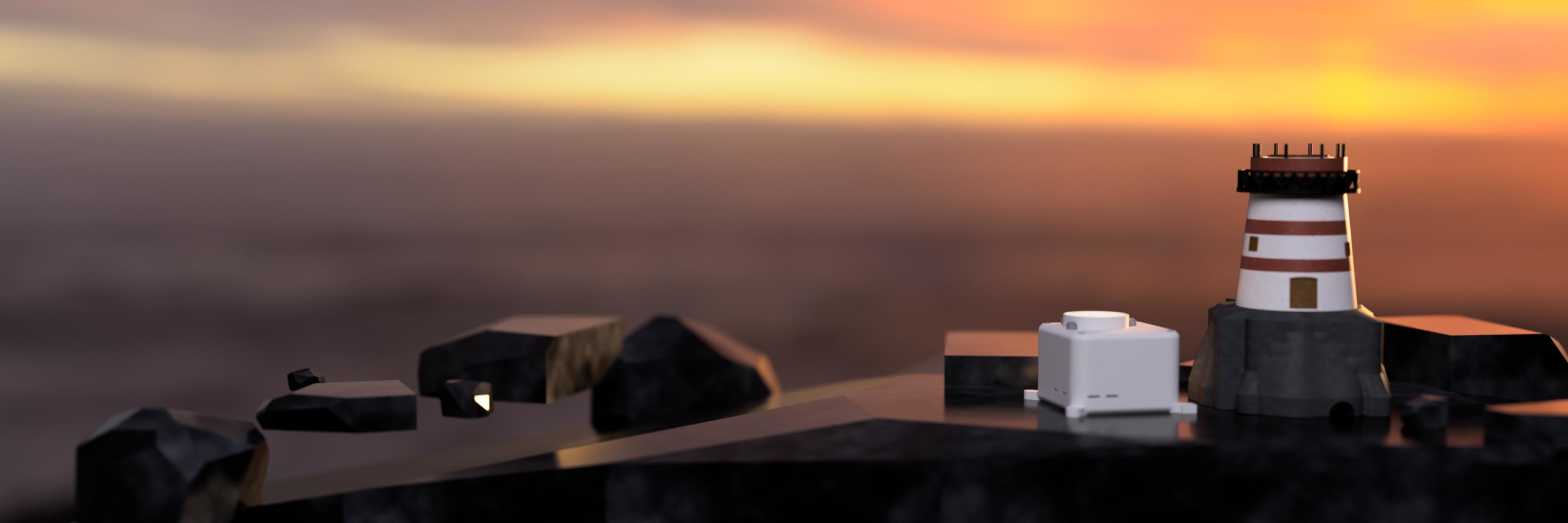
Coming soon
Nucleus
The core that powers every skin — arriving with the Lighthouse.
The story
Hundreds of hours in the palm of your hand
It started with one question: how much can you fit into something small enough to hold in one hand? The answer took hundreds of hours of modeling, printing, testing and modeling again, until every gear and every edge printed as cleanly as it possibly could.
- hours modeling
- 100s
- color LEDs
- 16
- cable to the skin
- 1
- across
- 88 mm
The process
How it was made
Six steps, over and over, until there was nothing left to fix. What's left is dense, quiet and solid: a core that does the hard work, so every skin around it can just be beautiful.
- 1
Sketch
Start with what it has to do: spin, light, play sound and run any skin — all from one small box.
- 2
Model
Every part modeled to size, with the real motor, boards and bearings inside, so nothing is guessed.
- 3
Print
Print it. Hold it. See what the printer really makes of every edge and gear.
- 4
Test
Run it, listen to it, and hunt for anything that rattles, rubs or wastes space.
- 5
Refine
Back to the model. Tighten, trim, strengthen — then print again.
- 6
Repeat
Again and again, until there was nothing left to fix. That's the Nucleus.
Built up
Watch it come together
Scroll, and every part finds its place.
- Every skin starts here.
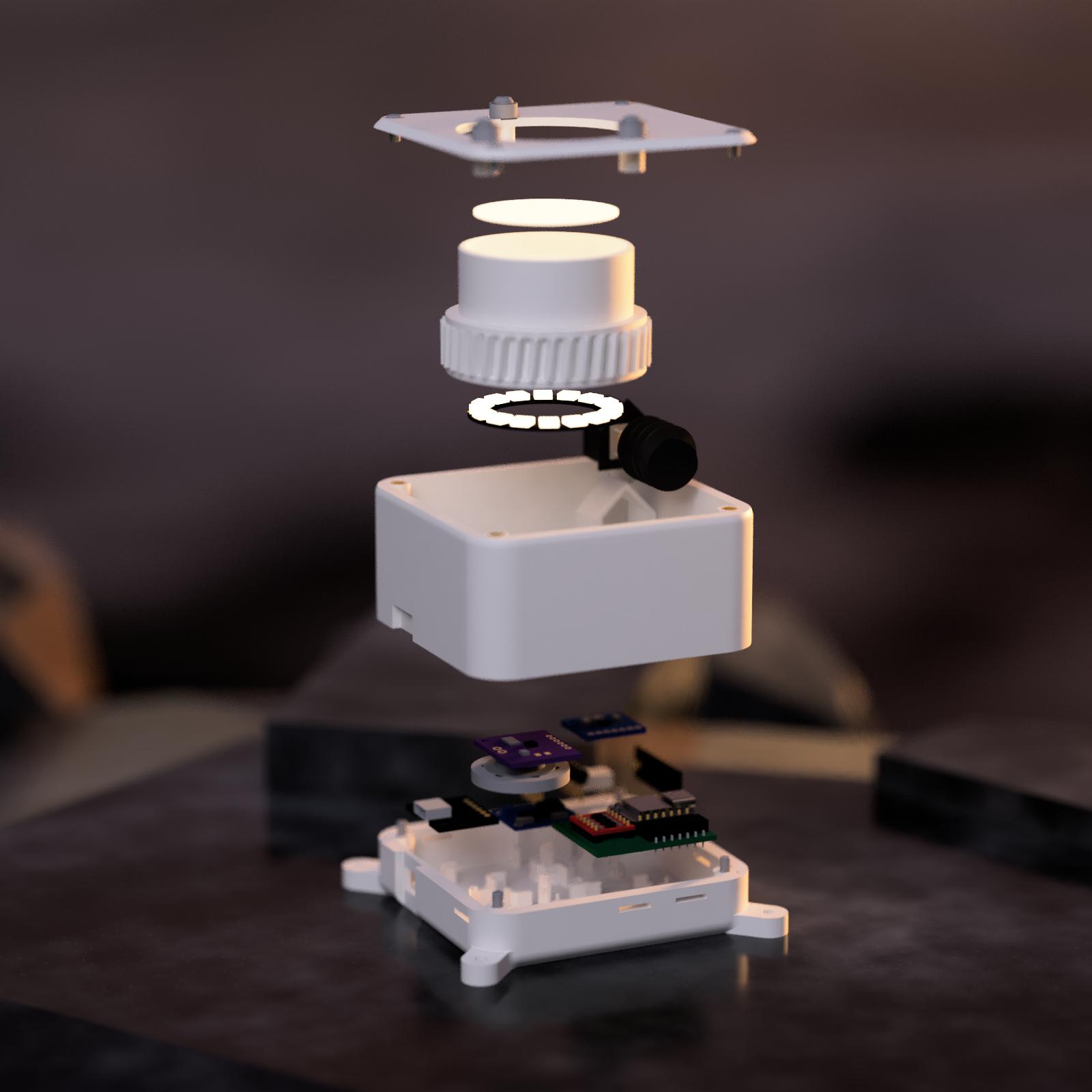
- Up top: a quiet worm-gear drive that turns your glass.
- Below: the brains. An ESP32-S3 runs the whole show.
- Then the light — sixteen LEDs under a frosted diffuser.
- A speaker of its own, so every skin can find its voice.
- Closed up, it's one dense core. One cable. Ready for any skin.
Look closer
Every part has a job
Tap a dot to see what it does.
What it does
Small box, big job
Knows its skin
Plug it into a skin and it loads that skin's program and sounds by itself. Nothing to set up.
Sound built in
A speaker inside the core gives every skin its own sounds.
One cable
A single USB-C cable carries power, lights and controls between the core and the skin.
Light ring
Sixteen color LEDs in any color or pattern, run from the skin's buttons or your phone.
Try it
Pick its glow
Tap a color. The real ring does any color or pattern you like.
Light color: Warm white
The keeper of the coast
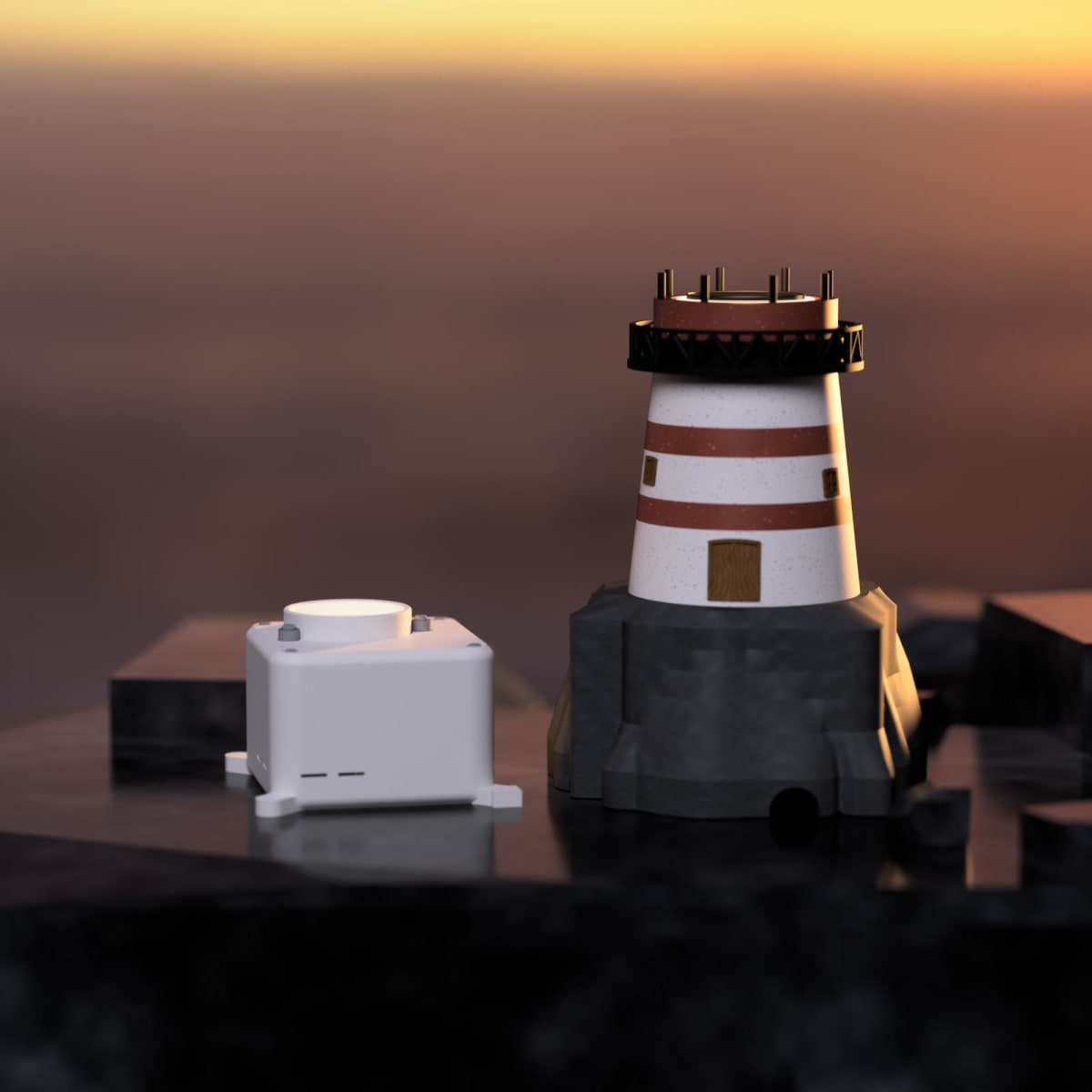
For centuries, a single light on a rock was all that stood between a ship and the dark. Someone climbed those stairs every night and kept the lamp turning, so sailors far out at sea could find their way home.
The Lighthouse brings that lone keeper to your shelf. A white marble tower with red bands stands on its gray rock, a wooden door and three windows set into the stone. Up in the lantern room, your glass becomes the lamp — lit from below and slowly turning, the way the great lights once swept the water. Three stones on the cliff are its buttons, and the Nucleus inside gives it its light, its motion and its sound.
The Lighthouse
From every side
The details
Specs
- Fits
- Nucleus skins (all) / Puffco Peak Pro glass via the skin's riser
- Drive
- Motorized worm gear both directions stall-sensing
- Lighting
- 16 RGB LEDs under the glass
- Sound
- Built-in speaker
- Control
- From the skin + Wi-Fi control page (no app)
- Power
- 20 V over USB-C from the skin
- Footprint
- 3.5 × 3.4 in (88 × 85 mm) / 4.0 × 3.9 in (102 × 99 mm) over pegs
- Height
- 2.3 in (59 mm) / 2.7 in (69 mm) to the riser socket
- Body
- PLA
- Worm + motor cradle
- TPU
Good to know
Questions
When can I get it?
The Nucleus and the Lighthouse go on sale together, soon. Sign up below and we'll email you the day they're out.
Does the Nucleus work on its own?
No. The Nucleus needs a skin — the skin holds the glass, the buttons and the wall plug. Power always plugs into the skin, never into the core.
Is the power adapter included?
No. It needs a 65 W USB-C power adapter, sold separately.
Which skins fit?
Every Nucleus skin. The Lighthouse is the first.
Can I swap skins?
Yes. Lift the glass out, pull the riser, move the Nucleus into another skin, and it loads that skin's program and sounds by itself.
Do I need an app?
No. It joins your home Wi-Fi and serves its own control page: colors, patterns, speeds, timers and updates.
Coming soon
Be the first to light it
The Nucleus and the Lighthouse launch together. Leave your email and we'll tell you the day they're out.
Some images on this page are renders made from the finished design files, so what you see is what you get. Printed colors may vary slightly. Why we use renders