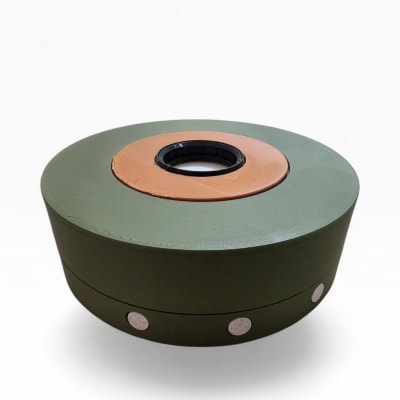
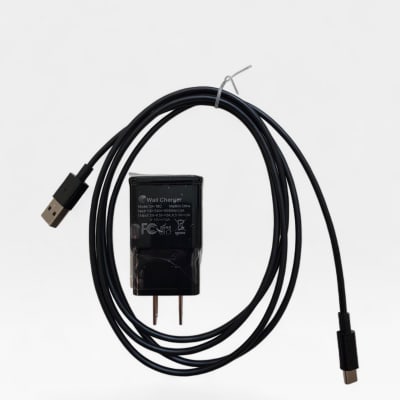
18W Wall Charger + 6 ft USB-C Cable
$9.99Currently unavailable

New skin for the Halo
A record-player skin for your Halo. Drop it on, press play.
The wood case drops straight over your Halo and keys into place, so it only sits one way: the right way.
Three springy keys on the front press the Halo's own buttons: Power, Color and Speed.
A black record with a red label sits on the Halo's deck and turns with it, lights and all.
Plug USB-C into the back of the record player. It feeds the Halo inside, no cables at the front.
Three springy piano keys sit on the silver trim strip. Each one clicks the Halo's own button behind it: Power, Color and Speed. Let go and it springs back, just like the real thing.


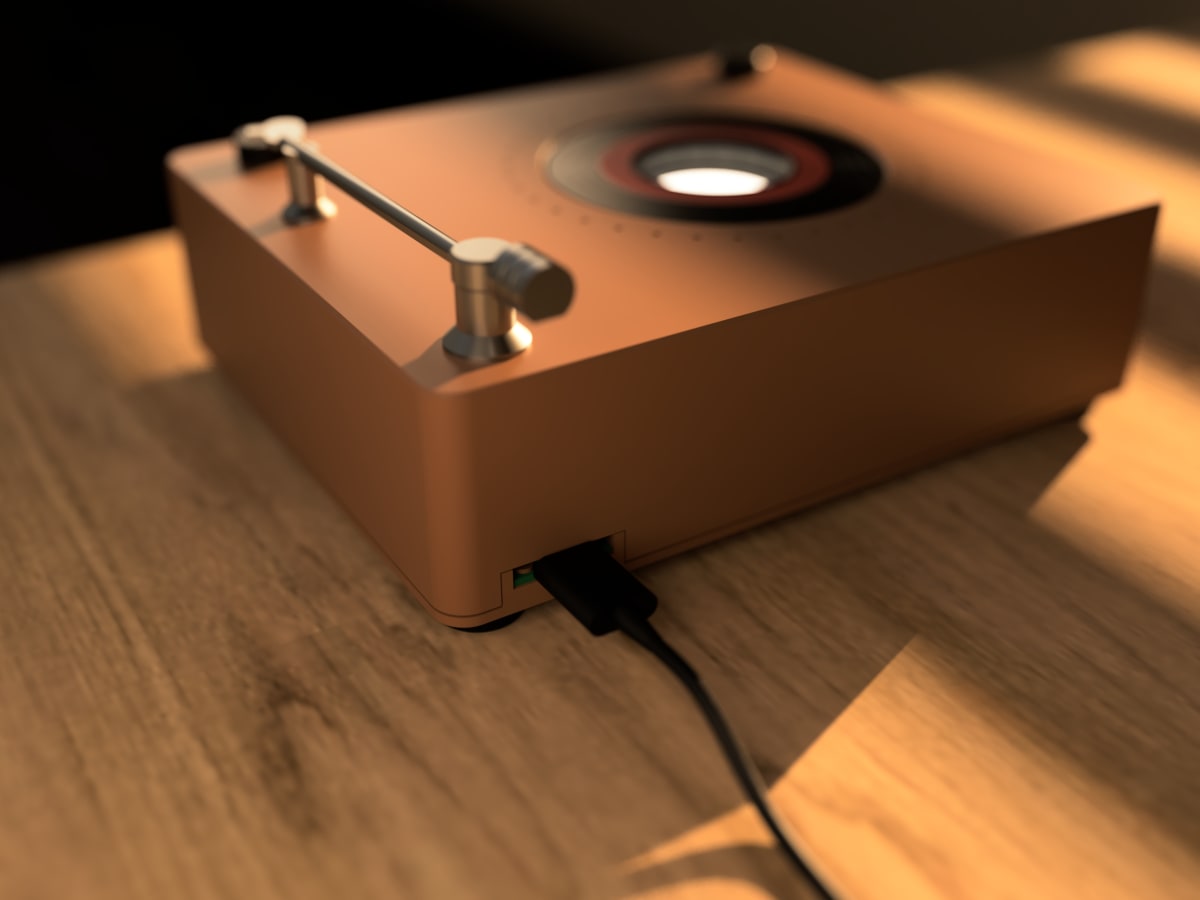
Power plugs into a USB-C socket in the back of the record player. A short lead inside carries it to the Halo, so the front stays clean and nothing trails across your shelf.
Four layers: the base plate, your Halo, the record and the wood case. It takes about a minute, and the case lifts straight back off whenever you want your Halo out.
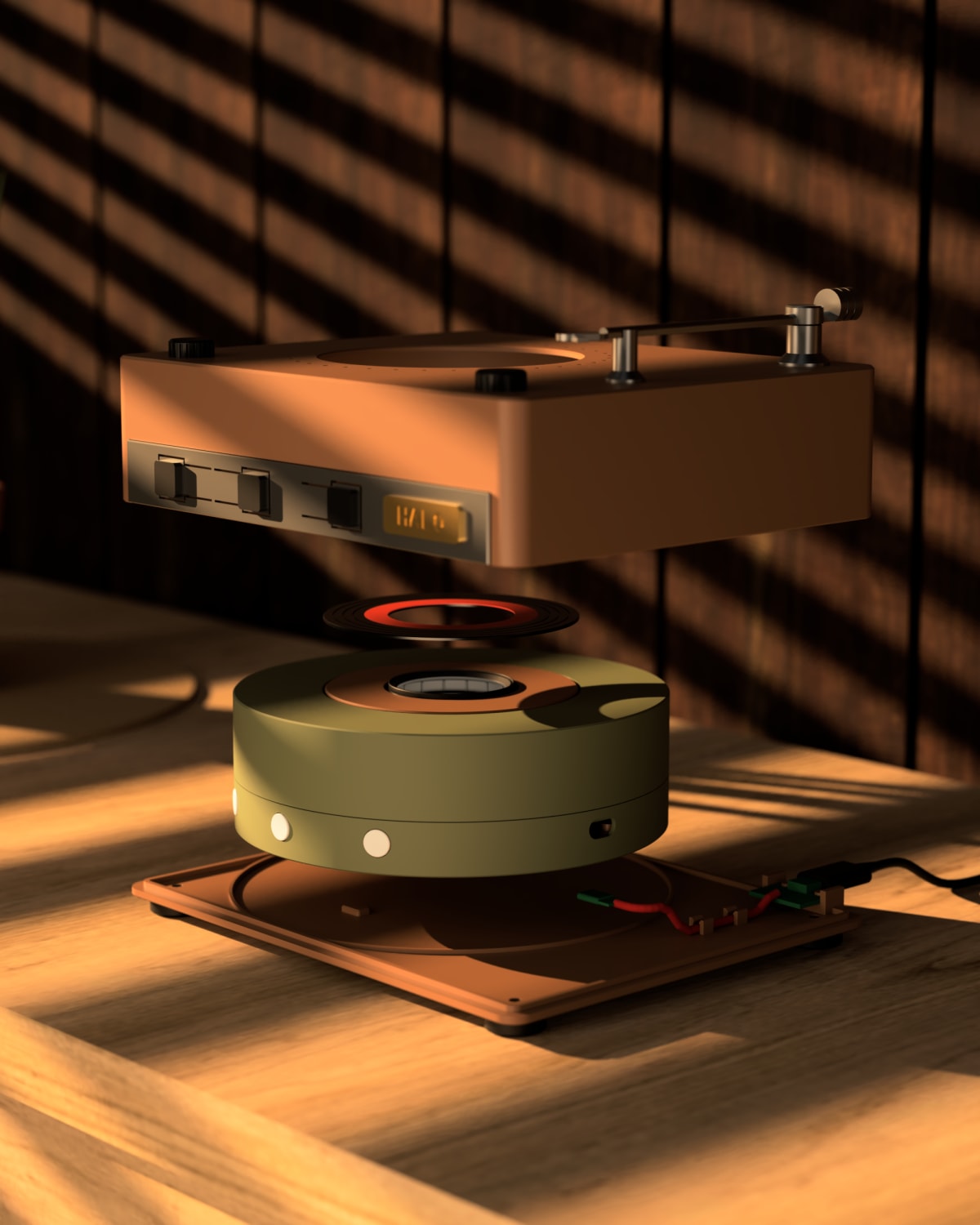
The wood base plate stands on its four feet.
Buttons to the front. Turn it until it drops onto the key and sits flat.
The short lead on the plate plugs into the Halo's USB-C port.
Lay the record on the Halo's deck.
Lower the wood case straight down. The notch at the back means it only fits one way.
Plug USB-C into the back and press Power.
Shown in Ochre Yellow plinth & base plate · Silver front strip
Record player skin for the Halo turntable
Made to order, ships in about 5 days
Ships by Sat, Nov 28
We currently ship to the lower 48 states. We're working on expanding our shipping. Check back soon!
For Skin only, yes: the Halo inside does the spinning and the lights, and Vinyl turns it into a record player. Don't have a Halo? Pick Complete and it comes with one fitted inside, ready to plug in.
Skin only is the Vinyl on its own, for a Halo you already have. Complete is the Vinyl with a Halo fitted inside. Either way, the USB-C power adapter is sold separately.
Yes. Vinyl comes in a flat and an angled version. Only the record is different, so it matches your Halo's deck.
The plinth and the base plate each print in wood PLA in the shade you choose, and the front strip comes in any of our Basic, Matte or Wood colors. The record, tonearm and keys keep their record-player colors.
Yes. The three piano keys on the front press the Halo's Power, Color and Speed buttons.
Plug a USB-C charger into the socket at the back of the record player. A short lead inside carries the power to the Halo.
Yes. Lift the wood case straight off, unplug the little USB-C lead and lift the Halo off the plate.
No, they're there for the look. Everything you control is on the three piano keys.